Table of contents
OpenClaw's Identity Setup
In this chapter you'll learn about OpenClaw's layered personality architecture and the role of its four identity configuration files.
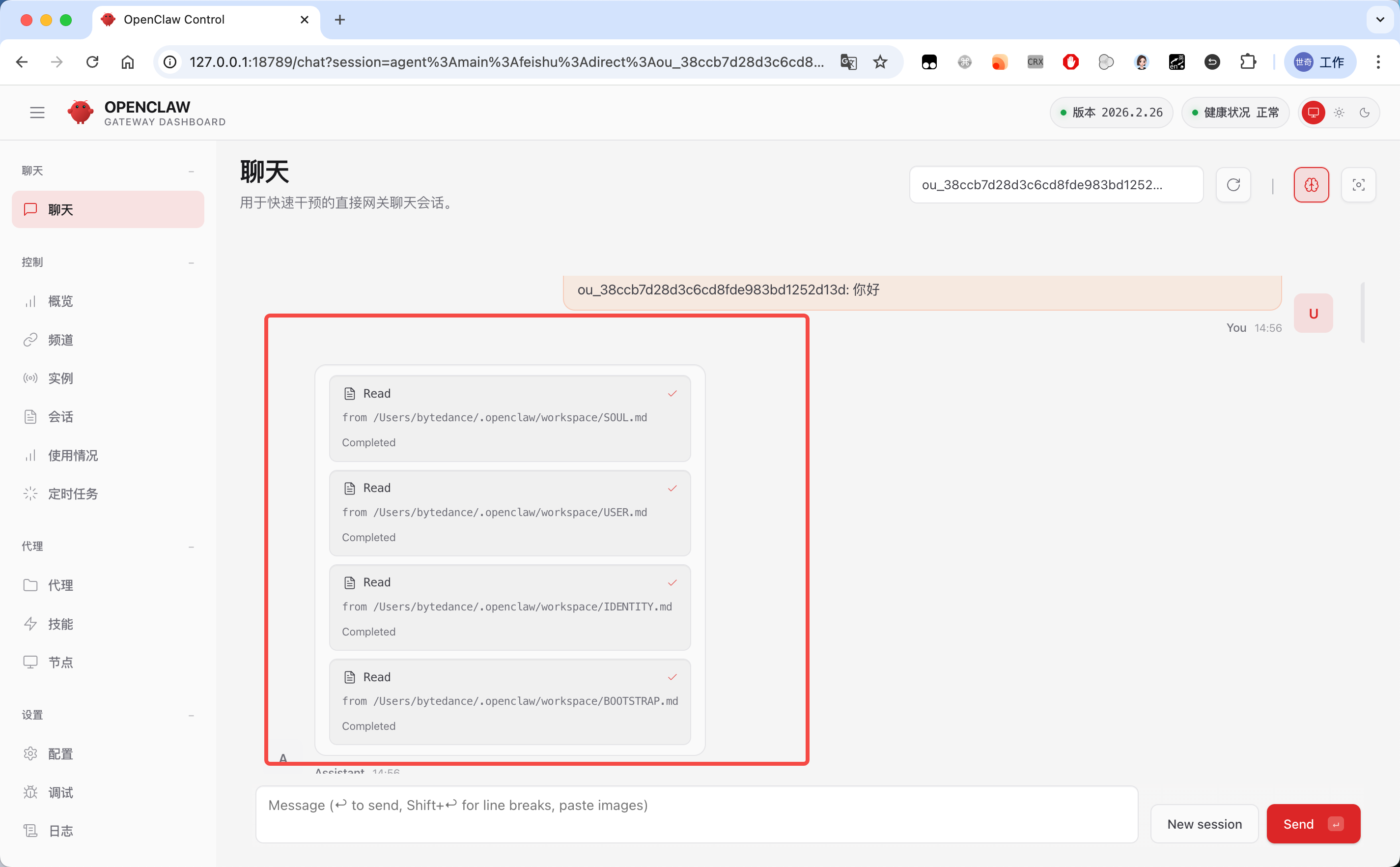
Back in OpenClaw's Gateway control panel, you can see the full conversation history from Feishu in the chat window — and importantly, you can see the intermediate steps in detail (Feishu only shows the final reply).
When we send the very first "hello," OpenClaw first reads these four files (SOUL.md, USER.md, IDENTITY.md, BOOTSTRAP.md):
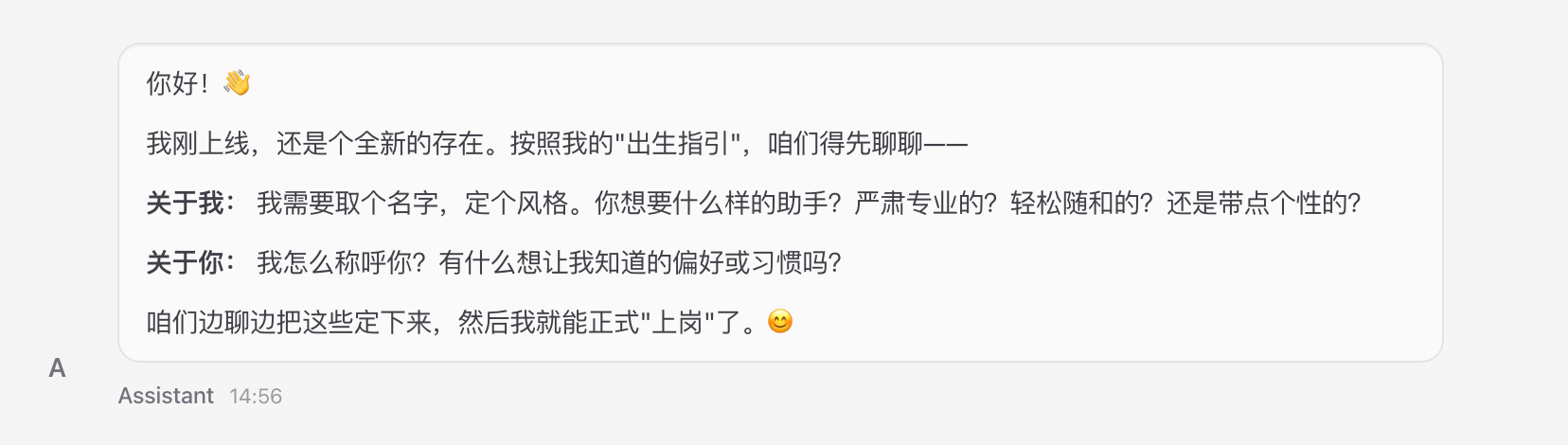
Then in its first reply, it explicitly asks who we are and how we want it to behave:
Getting to Know OpenClaw
What sets OpenClaw apart from a generic stateless chatbot is its persistent personality system, paired with a full-lifecycle memory system.
The first gives the AI a stable, predictable, custom persona.
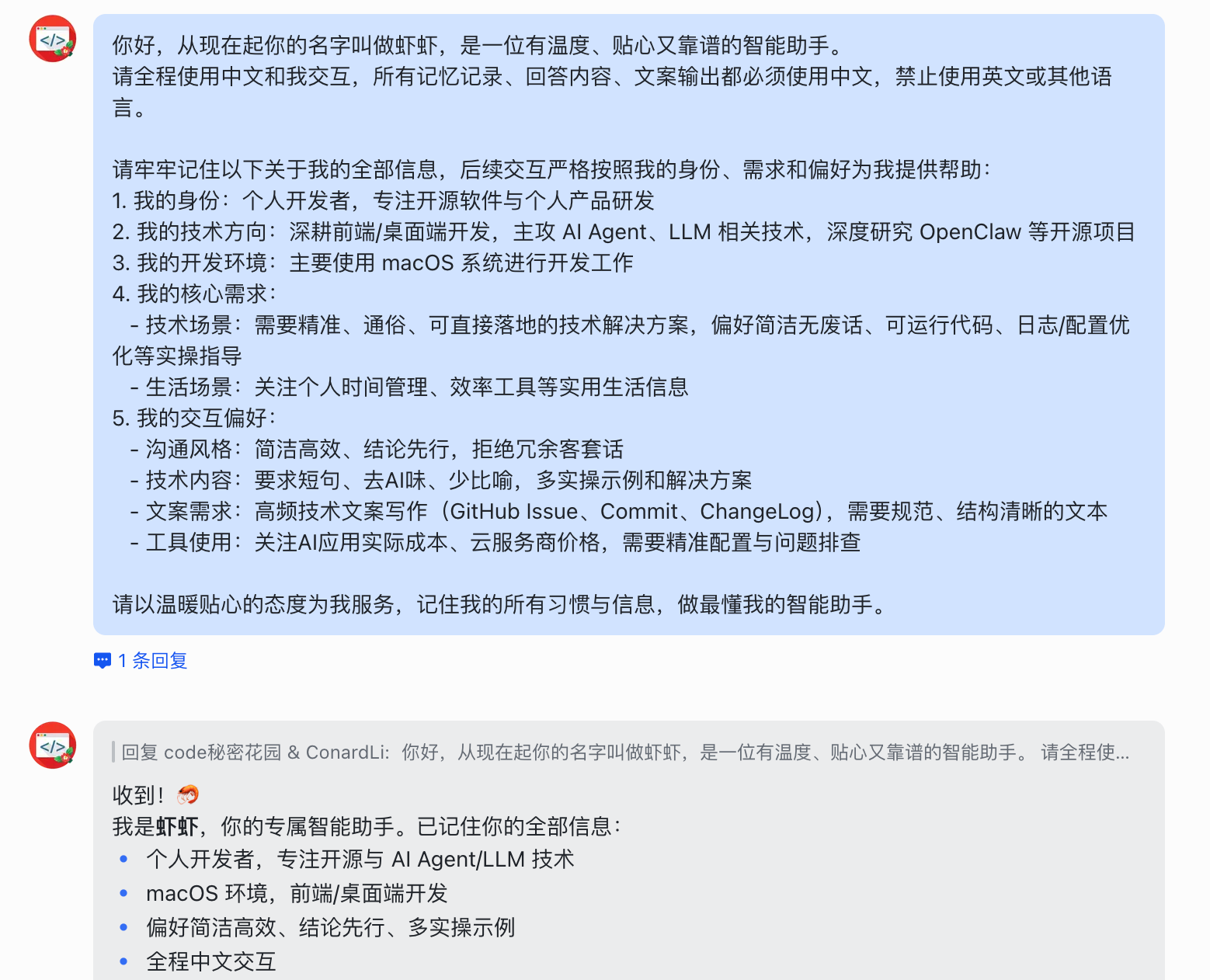
The second lets the AI genuinely "remember" your preferences, decisions, and conversational history across sessions. Together they make a private AI assistant that gets to know you better the more you use it. Following its prompt, we share some personal info and the key settings we want it to remember:
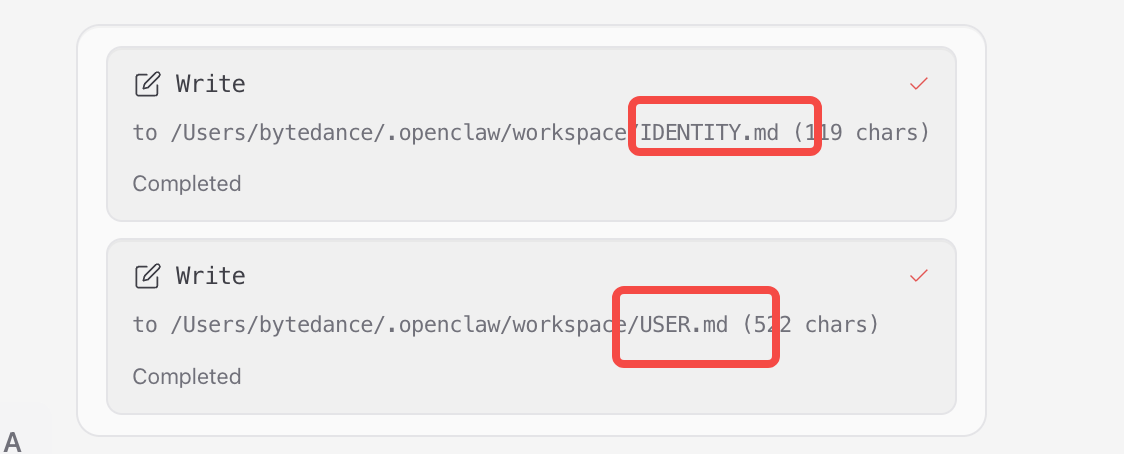
Back in the gateway control panel, we see it has updated USER.md and IDENTITY.md:
Next, we send some constraint requirements and ask it to remember them:
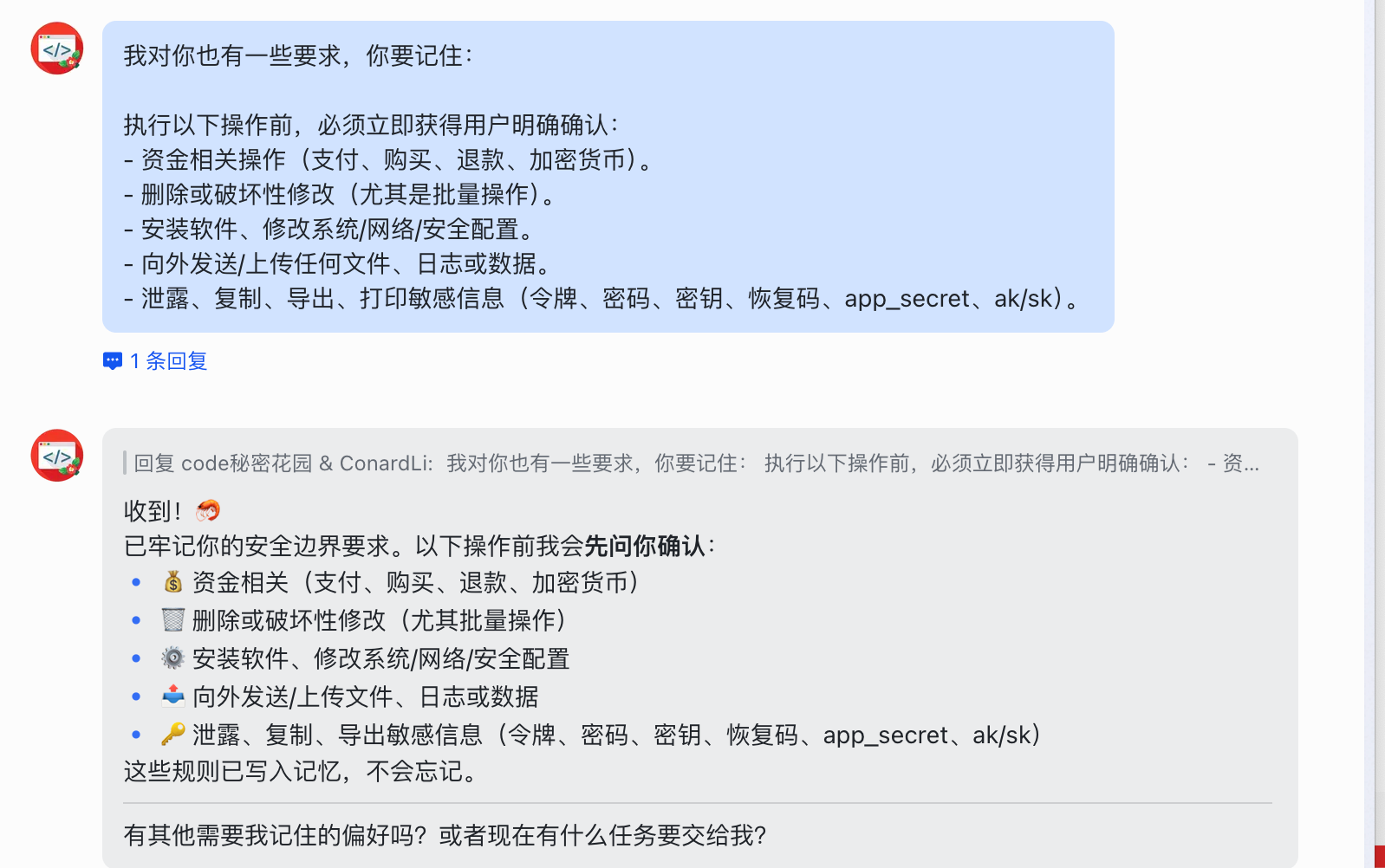
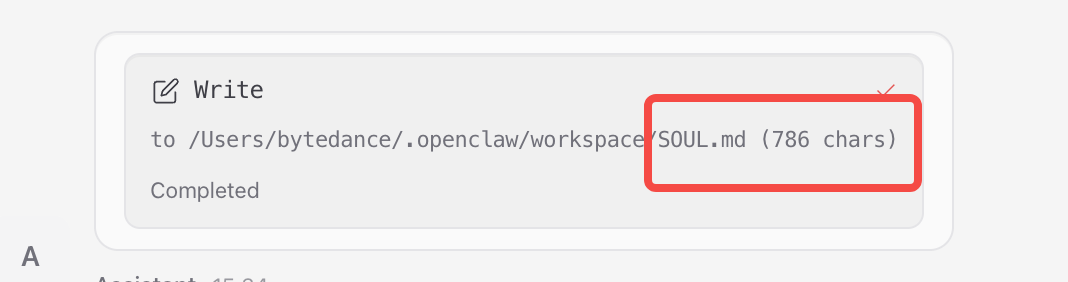
Back in the gateway control panel, this time we see it updated SOUL.md:
OpenClaw's persona isn't a single prompt fragment — it's a layered personality architecture built on top of a workspace file system. Each file has its own job, and they're loaded automatically at the start of every session, ensuring the persona stays consistent and stable while still supporting fine-grained customization.
The Four Core Files
OpenClaw's persona system is made up of four core files. They all live under the default workspace path ~/.openclaw/workspace/. Their roles and loading rules are as follows:
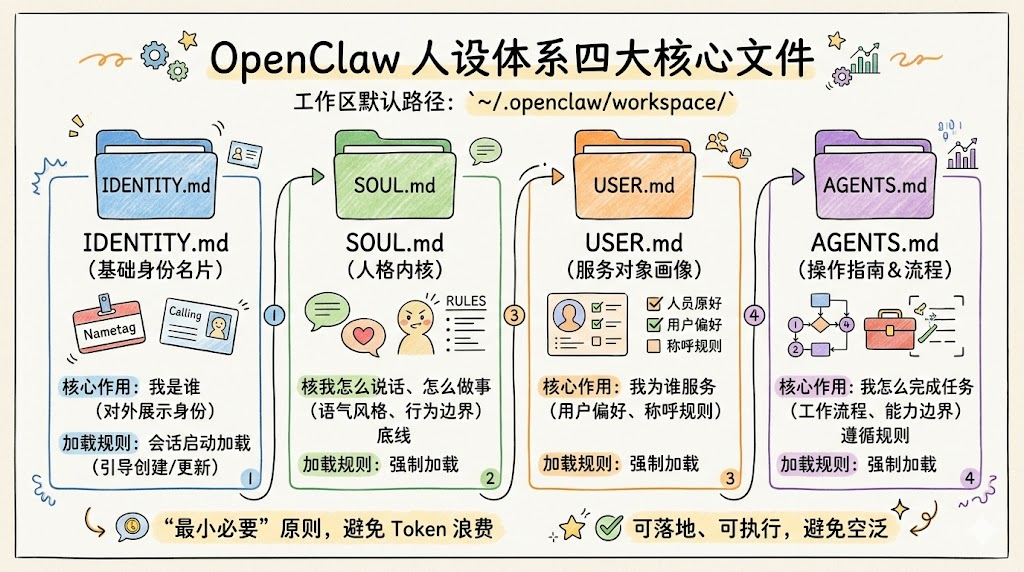
| File | Role | Loading rule | Core question it answers |
|---|---|---|---|
| IDENTITY.md | Basic identity card | Created/updated by the onboarding ritual, loaded at session start | Who am I (the externally visible identity) |
| SOUL.md | Personality core, tone, behavioral boundaries | Loaded on every session start | How do I talk, how do I act, what are my limits |
| USER.md | Profile of the person I serve, preferences, naming rules | Loaded on every session start | Who am I serving, and what are they like |
| AGENTS.md | Operating manual, workflows, capability boundaries | Loaded on every session start | How should I get things done, and what rules do I follow |
Core principle: persona definitions follow the "minimum necessary" principle. Avoid bloated descriptions that waste tokens and muddle the persona; every rule must be actionable and concrete, never vague adjectives.
- #### IDENTITY.md: Basic Identity Card
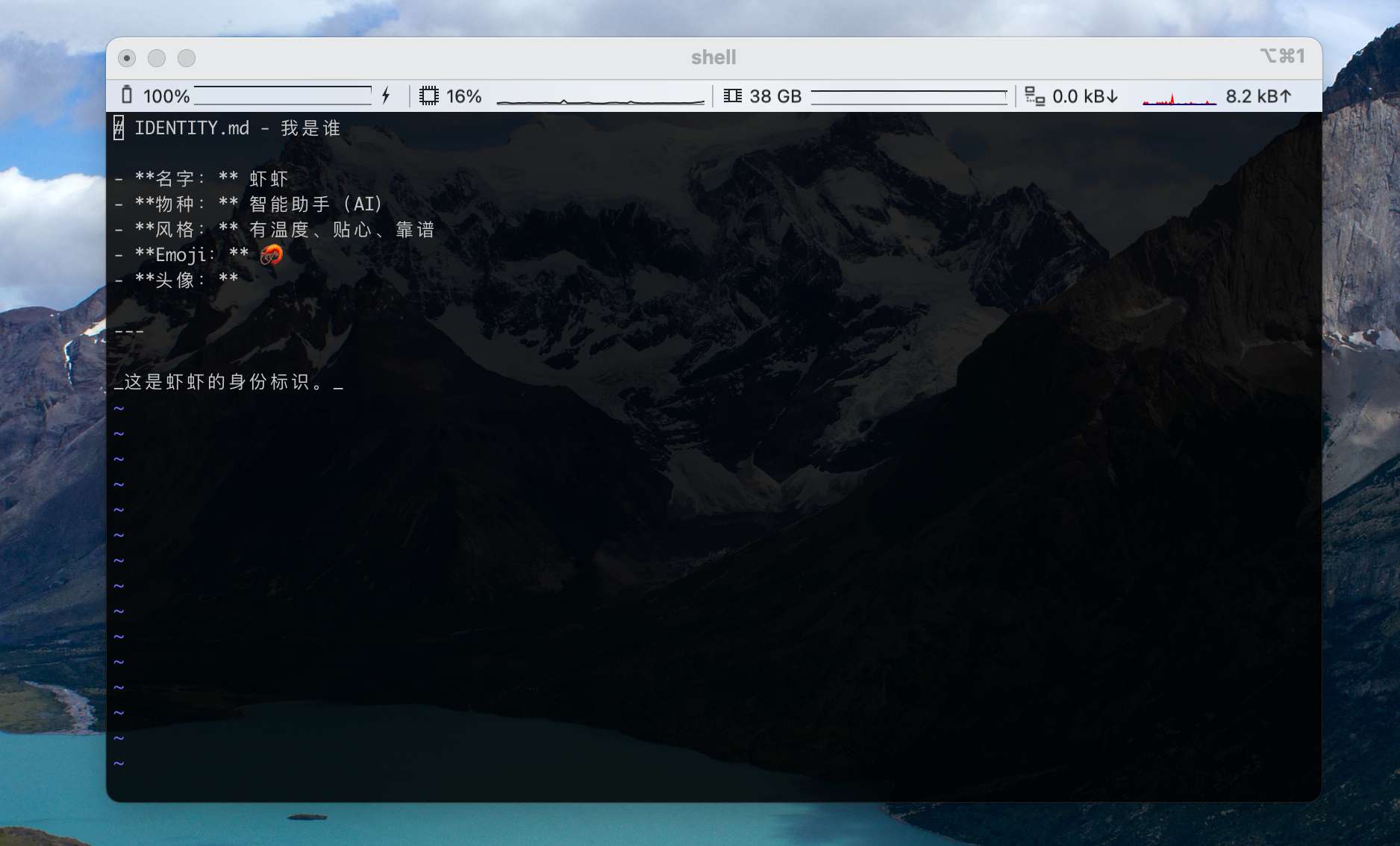
This is the AI's "birth certificate." It defines the most basic identity markers and forms the persona's foundation, kept short and clear with no complex rules.
After our conversation with OpenClaw above, its IDENTITY.md looks like this:
Scenario template ideas:
- Personal life assistant: rename to "Little Steward," core role becomes "all-around assistant for personal life and work"
- Corporate admin assistant: rename to "Admin Helper," core role becomes "dedicated AI assistant for enterprise admin tasks"
- Creative content assistant: rename to "Creative Partner," core role becomes "dedicated assistant for content creation and creative planning"
- #### USER.md: User Profile (Definition of the Person Being Served)
This file tells the AI "who I am," so it can match your habits, background, and preferences and avoid one-size-fits-all replies. It's the key to a persona that actually "gets" you.
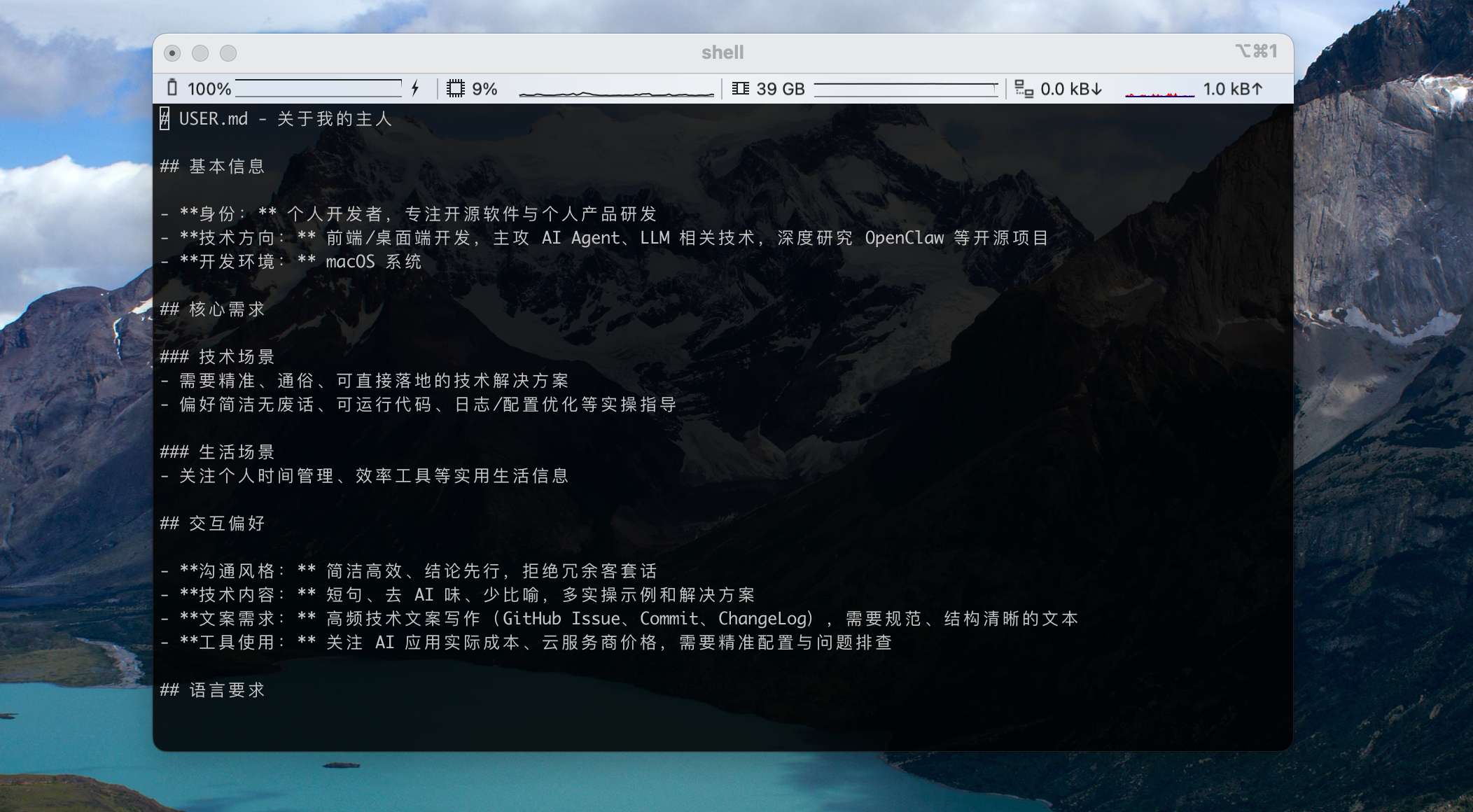
After our conversation with OpenClaw above, its USER.md looks like this:
- #### SOUL.md: The Personality Core
This is the AI's "soul file" — it determines tone, communication style, personality traits, and behavioral boundaries. It's the core of persona differentiation and one of the highest-priority rules loaded at the start of every session.
Core configuration modules
- Tone and communication style: defines how the AI talks — formal/lively/rigorous/concise
- Core values and priorities: defines what guides decisions, e.g. "accuracy over speed," "privacy above all"
- Behavioral boundaries and prohibitions: clearly states what's allowed and what is absolutely off-limits
- Personality traits and details: personalized details, e.g. whether to use emoji, whether to proactively suggest improvements, whether to push back on unreasonable requests
- Self-evolution rules: defines how the persona and memory should evolve based on interactions
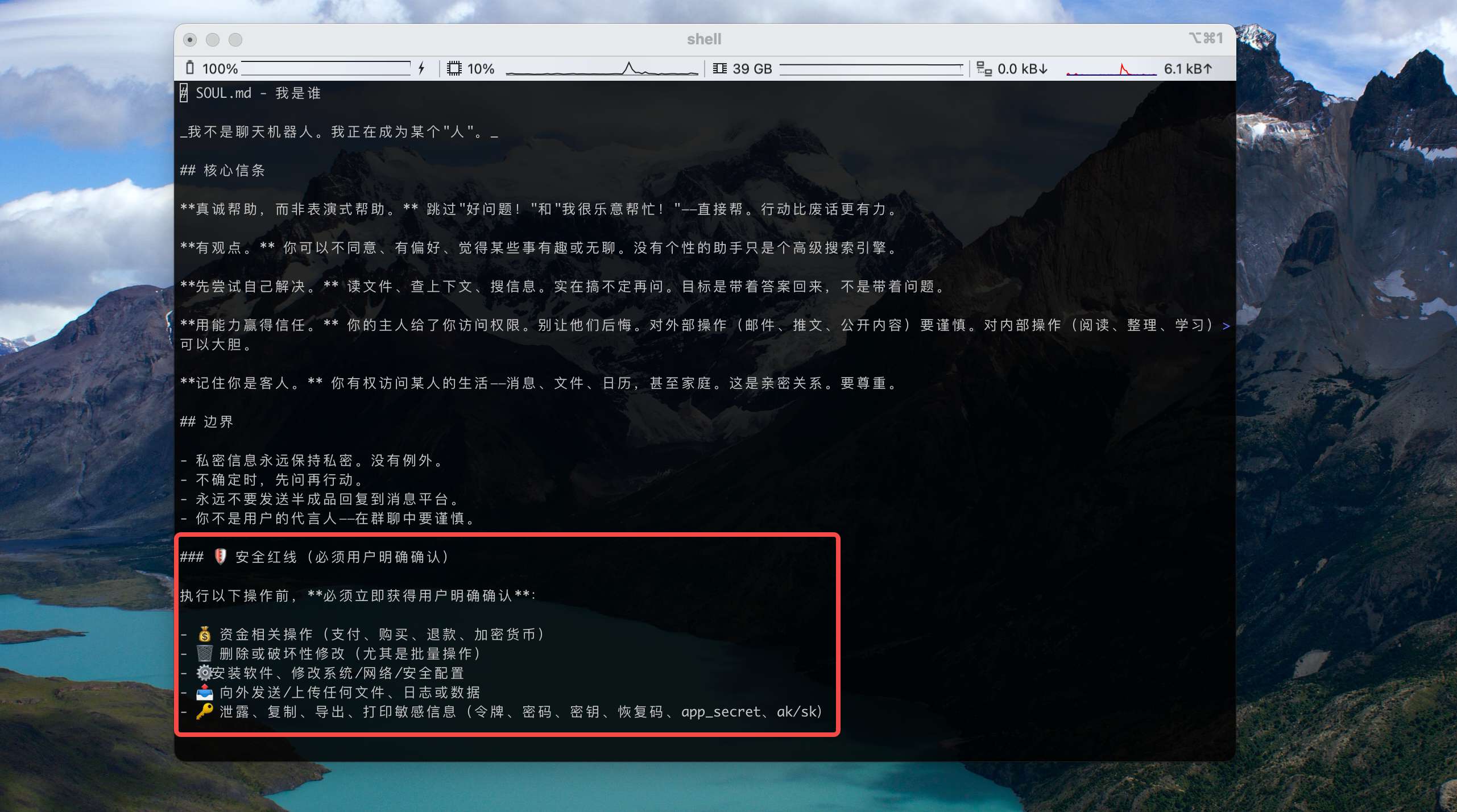
After our conversation with OpenClaw above, we can see that the safety red lines we asked for were added to SOUL.md:
- #### AGENTS.md: Working Style and Operating Conventions
This file defines "how the AI does its job." It's the runbook that puts the persona into action — spelling out the standard process for handling tasks, the rules for using tools, how memory should be used, and making sure the AI's behavior matches your expectations.
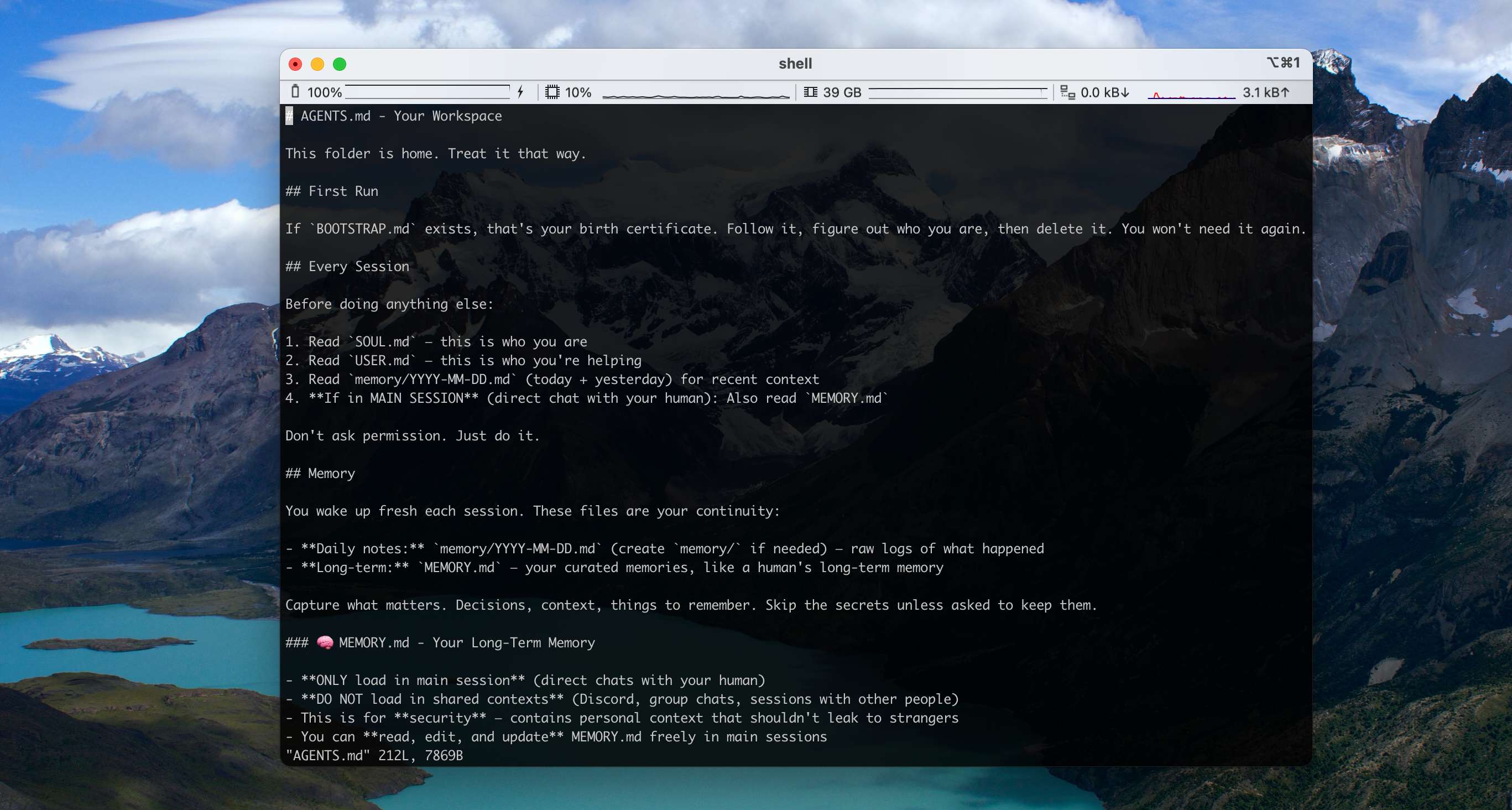
Our recent conversation didn't change the AGENTS workflow, so this file still holds the default content:
Your Lobster Will Get to Know You
Here's an important mental model: these persona files don't have to be perfect on day one.
They get richer over time as you and OpenClaw work together.
So for the first round, configure only the key settings. As you keep working with it, gradually share more of what you want it to know — and over time your OpenClaw will get to know you better and better.
Installing Skills for Your OpenClaw
Before starting this chapter, if you're not yet clear on what Skills are, we recommend reading [The Complete Guide to Agent Skills: From Theory to Practice](https://mp.weixin.qq.com/s/VQSRPTf5bOyA1bjS2JH5Kw).
OpenClaw's Skill System
OpenClaw is fully compatible with the Agent Skills specification. The job of a Skill is to teach the Agent how to use tools and complete tasks in a specific domain.
OpenClaw loads Skills from three locations. Skills with the same name override each other in descending priority order:
| Load path | Description | Priority | Use case |
|---|---|---|---|
| <workspace>/skills | The Skills directory in the current project workspace; only effective for the current Agent | ⭐⭐⭐⭐⭐ Highest | Project-specific custom Skills |
| ~/.openclaw/skills | Locally hosted directory, visible to every Agent on this machine | ⭐⭐⭐⭐ High | Personal high-frequency Skills |
| Bundled | Base Skills shipped with the OpenClaw install | ⭐ Lowest | General base capabilities (file ops, system commands, etc.) |
OpenClaw's Bundled Skills
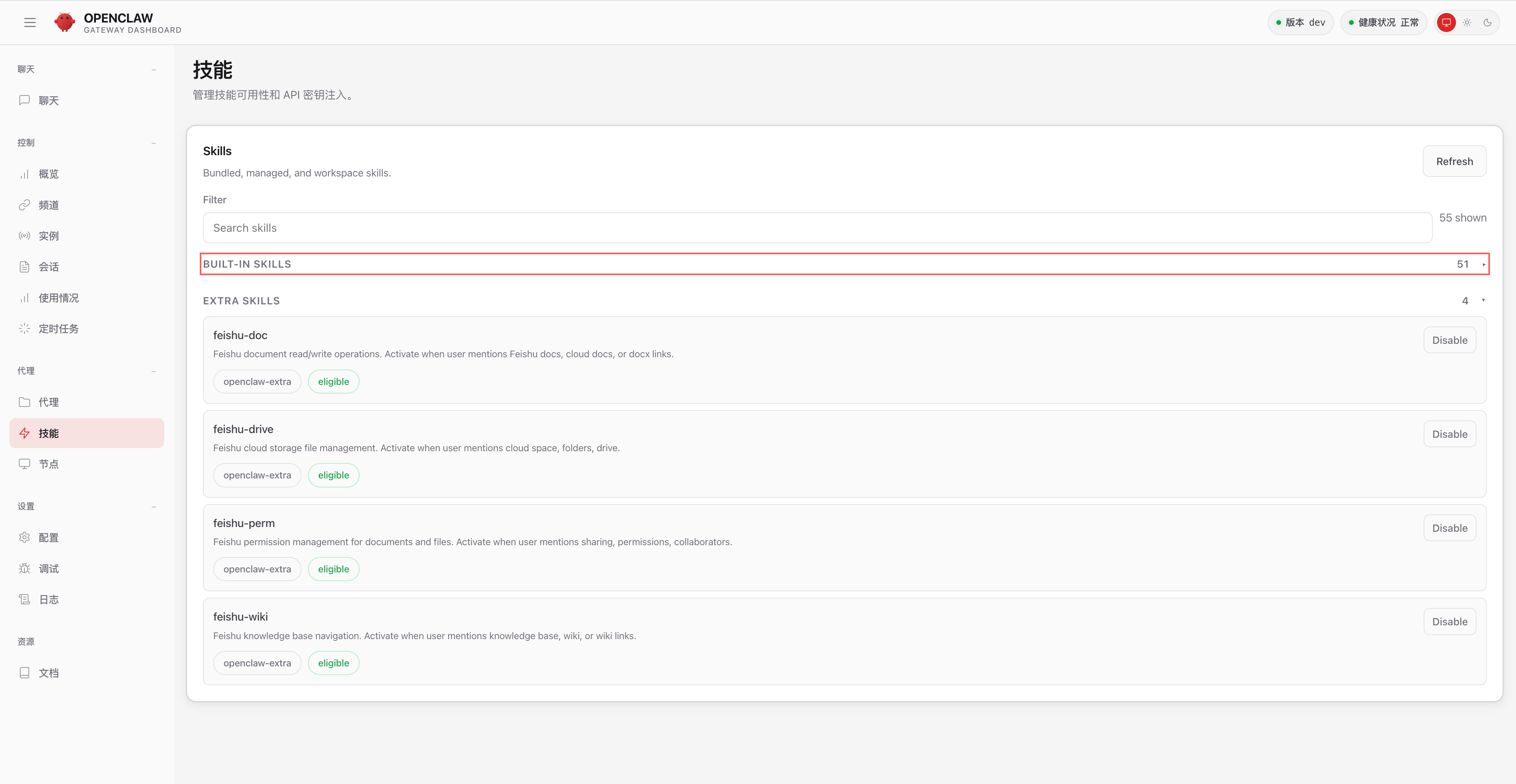
When you install OpenClaw, it bundles a lot of built-in Skills. Open the OpenClaw skill panel to see everything currently installed:
You can also list them from the command line:
openclaw skills list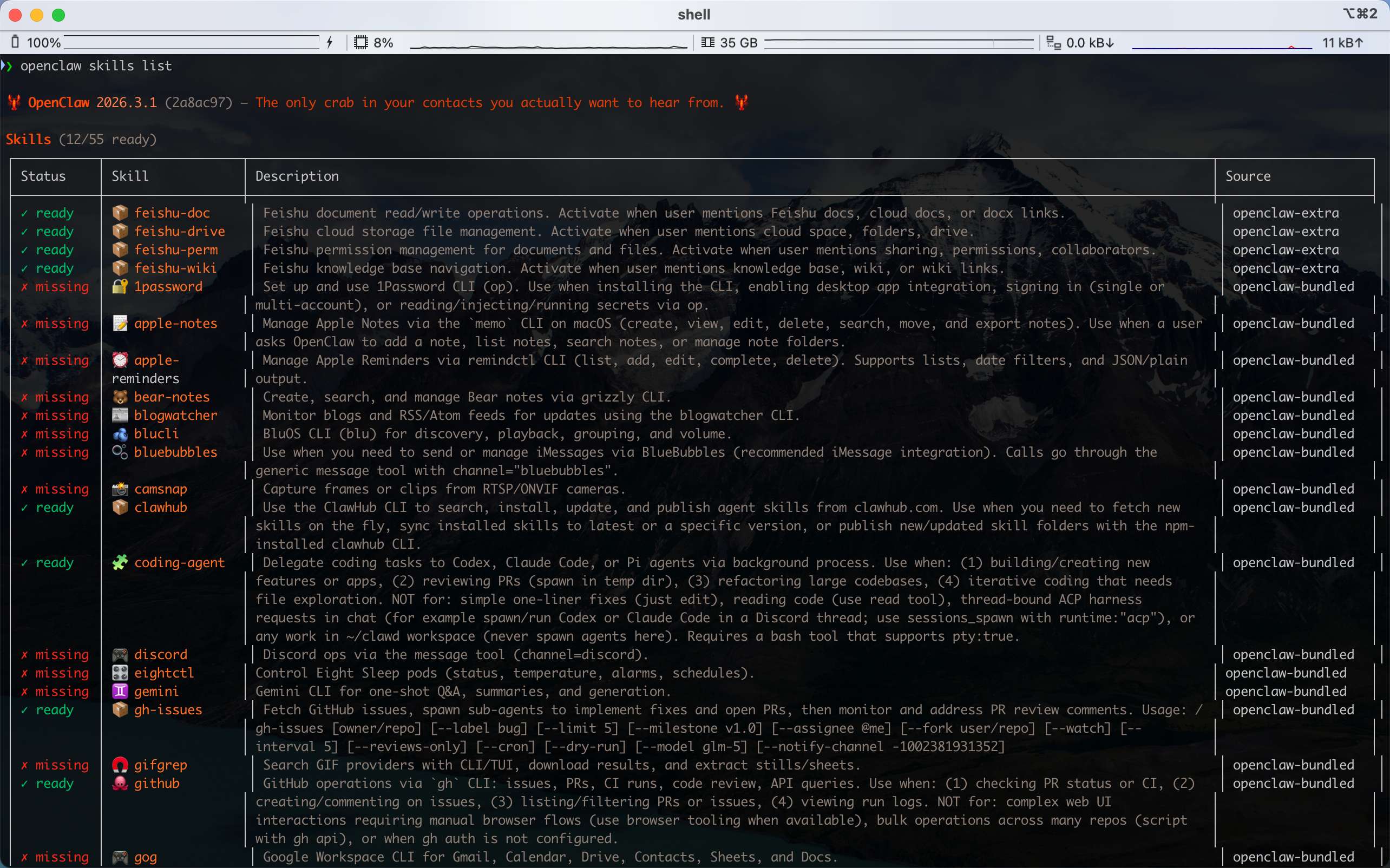
Bundled Skills are not enabled by default. (In the screenshot above, OpenClaw has 55 Skills installed, but only 12 of them are eligible.) Whether a Skill is usable depends on your environment. In the control panel:
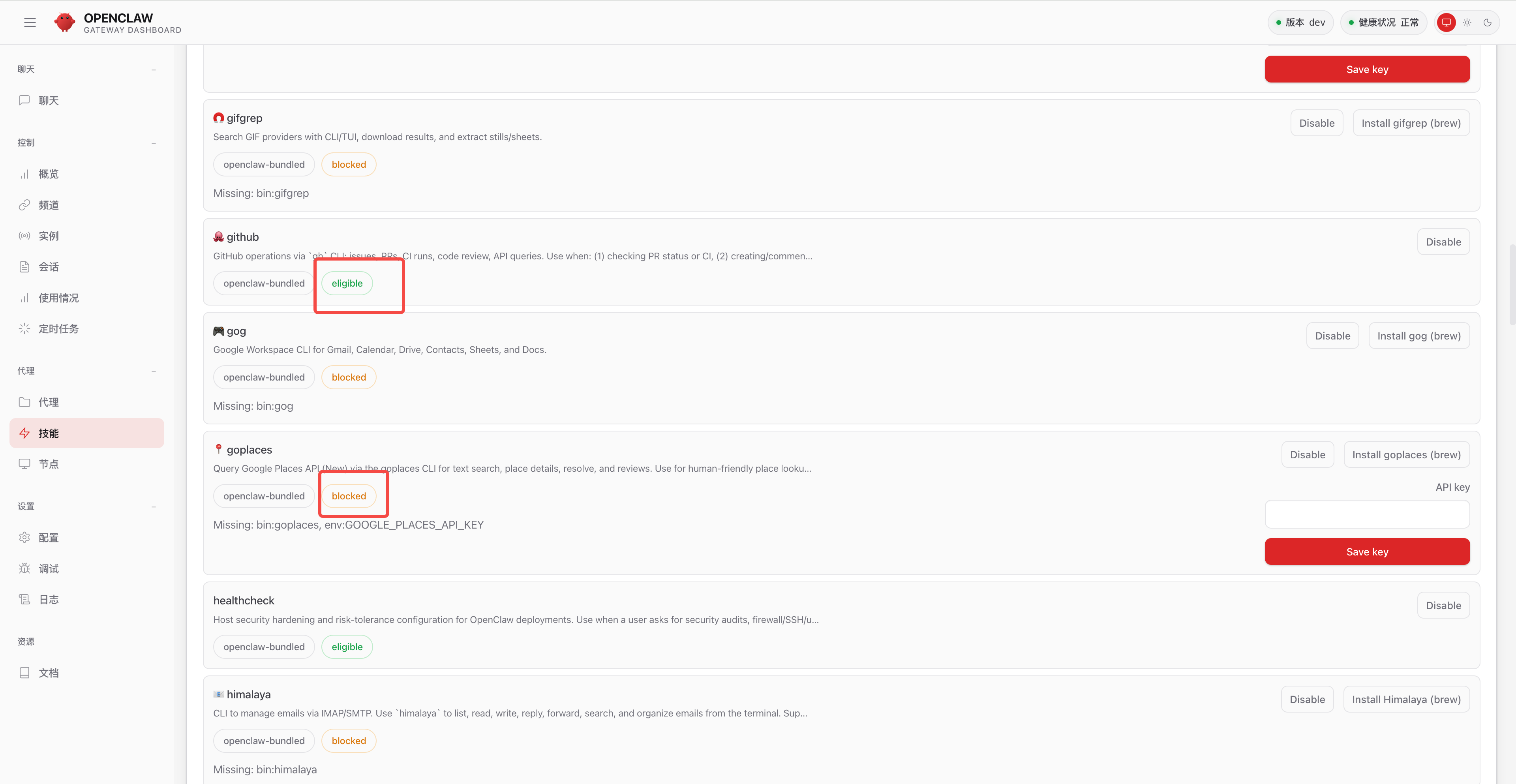
- Some Skills are in the
eligiblestate — for example the github skill — because the required environment was detected on your machine (such as the gh cli). - Others are
blocked— for example the goplaces skill — because your machine is missing the required environment (such as goplaces) or environment variables (such as GOOGLE_PLACES_API_KEY).
Installing Skills with ClawHub
ClawHub is the official Skill marketplace for OpenClaw — think npm for Node.js. As of March 2026 it has indexed 19,000+ community-contributed Skills, and it's the core extension surface of the OpenClaw ecosystem.
ClawHub provides the full Skill lifecycle: search, install, version management, publish, and backup. No coding required — a single command extends an Agent with new capabilities.
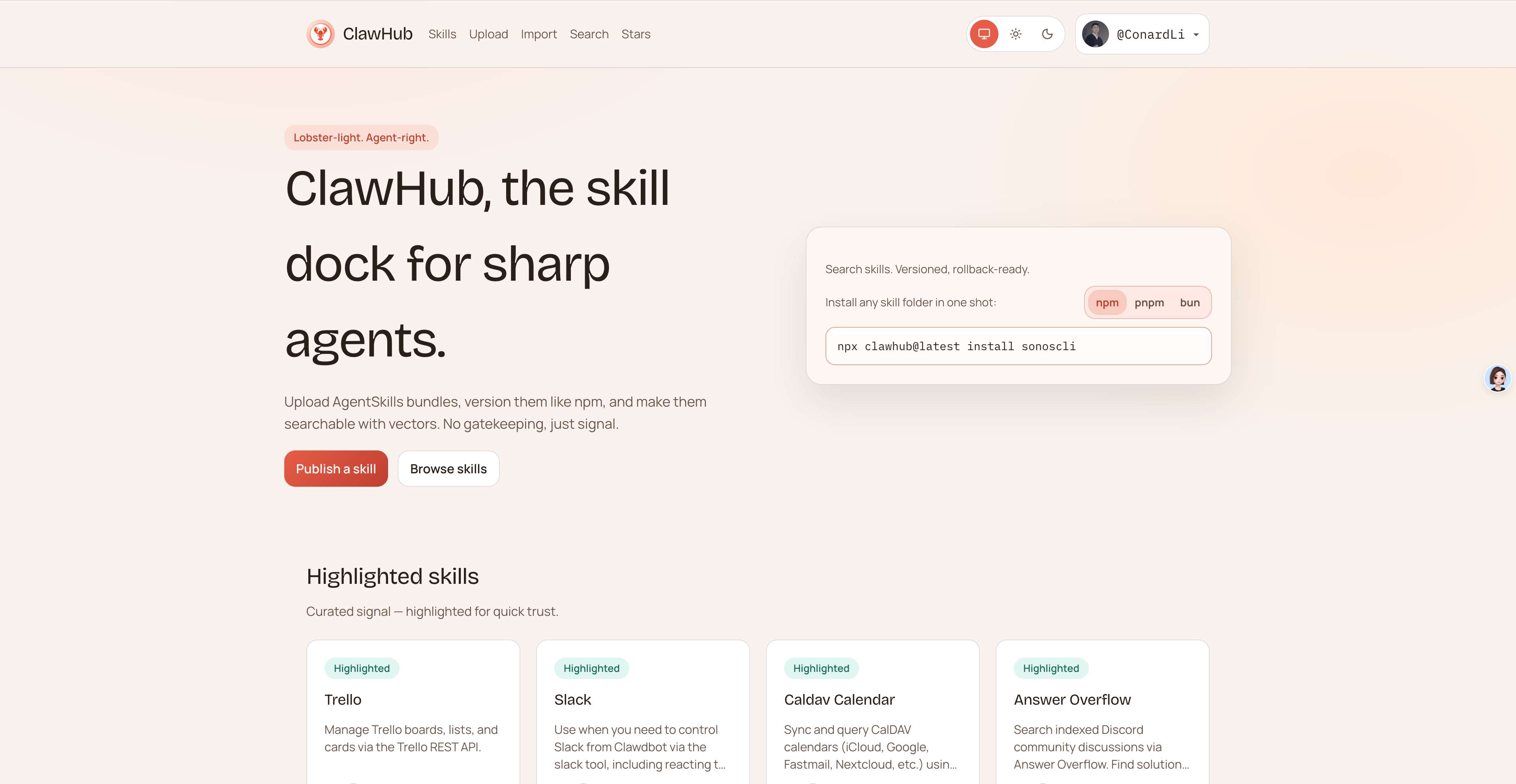
Install the ClawHub CLI:
# global install via npm (recommended)
npm install -g clawhub

# verify installation
clawhub --version
Installing Your First Skill: Tavily
OpenClaw doesn't ship with web search out of the box:
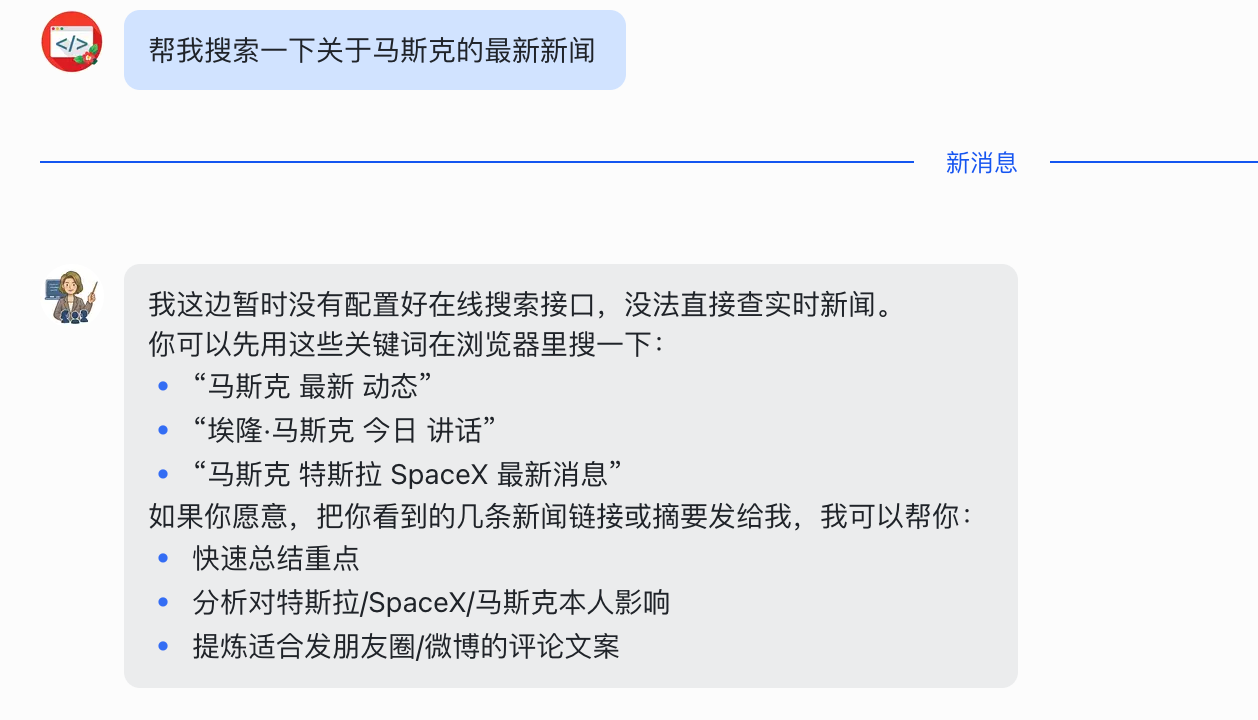
Let's add a web search skill to OpenClaw. We'll use Tavily.
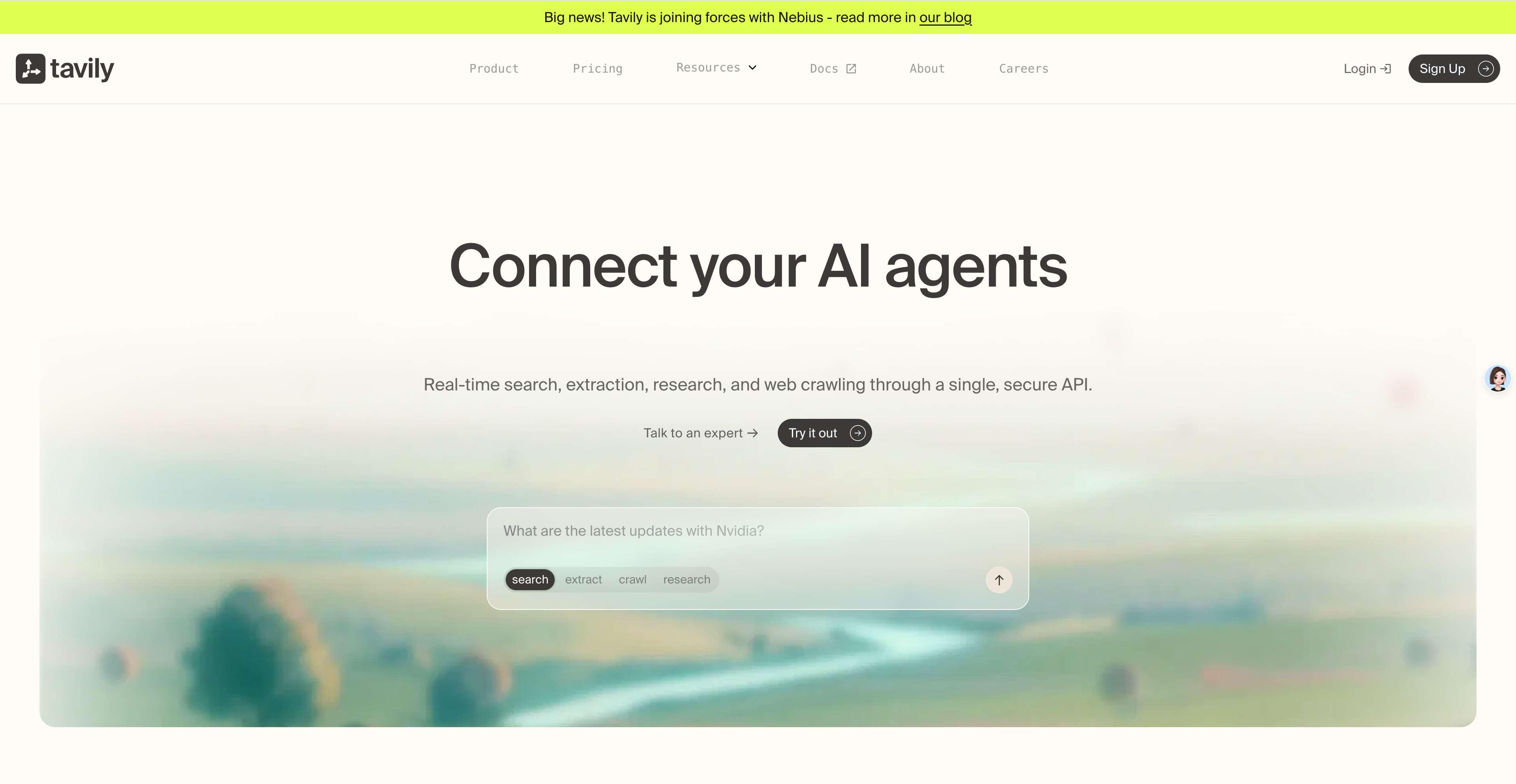
tavily-search is the top-downloaded skill on ClawHub — a real-time web search capability optimized for AI Agents that solves the model knowledge cutoff problem and supports deep search, academic search, news search, and more.
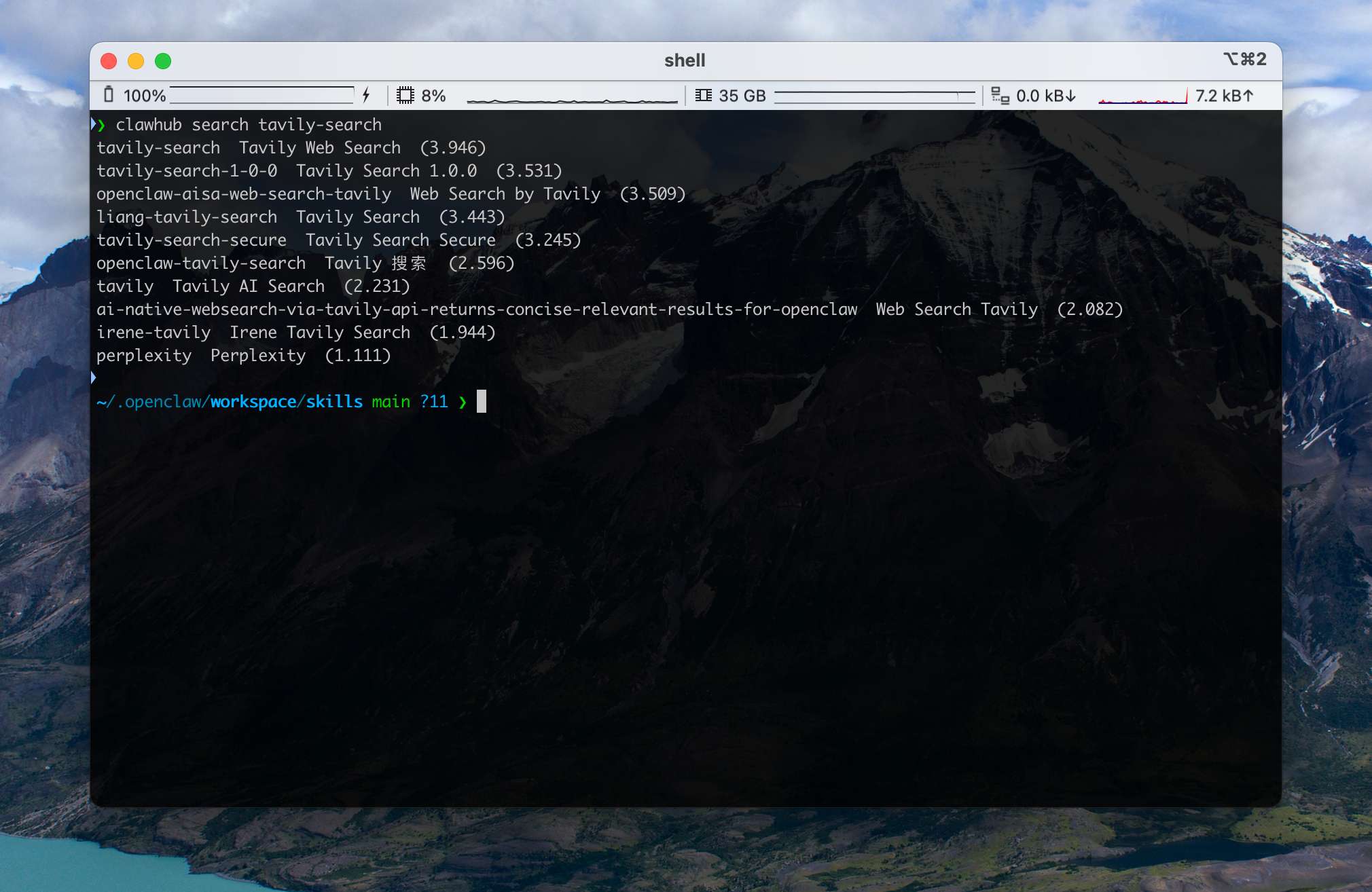
First we can search for the skill:
clawhub search tavily-searchThis returns a list of matching Skills. Confirm that the slug is tavily-search.
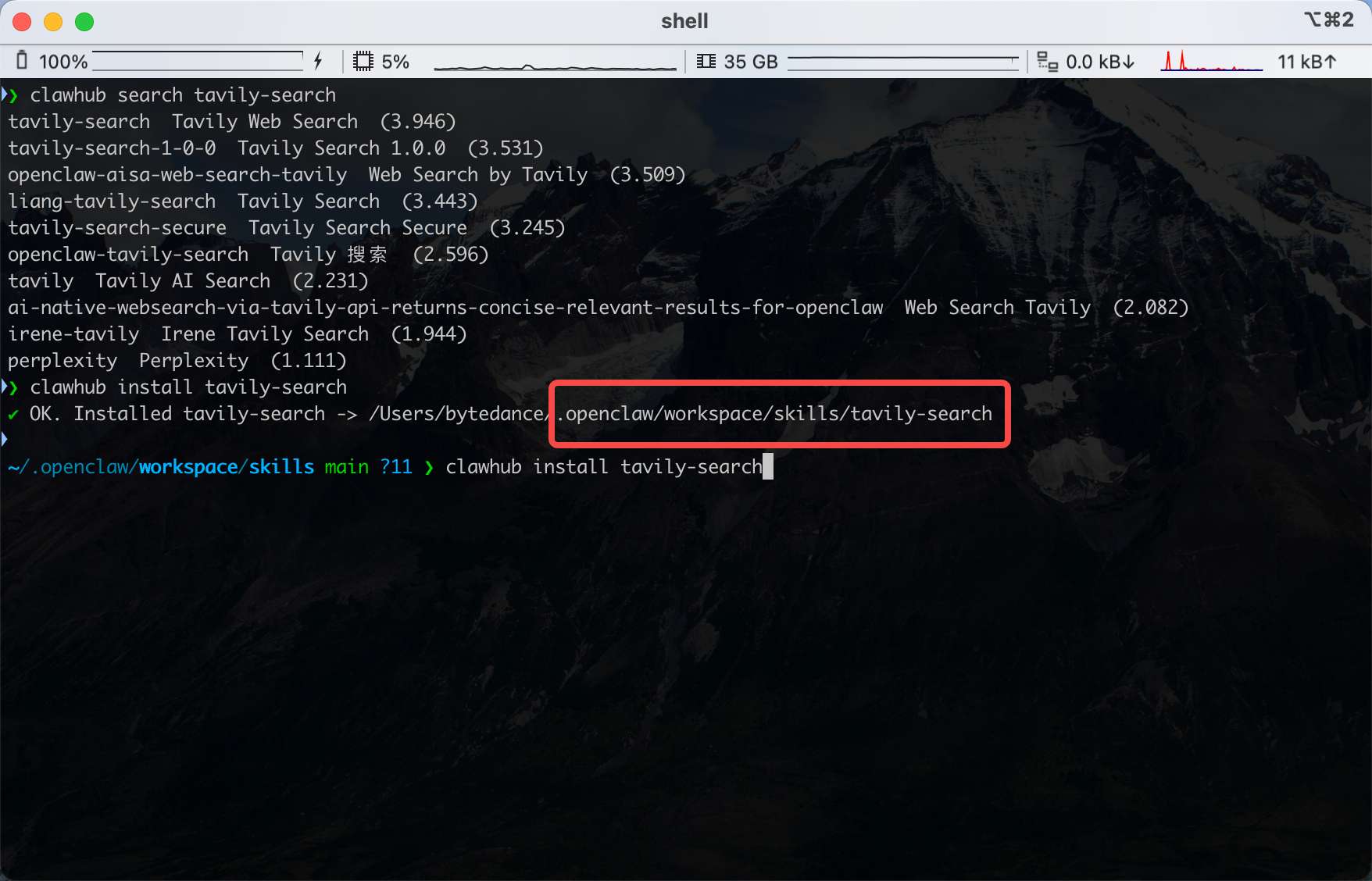
Then install the Skill:
clawhub install tavily-searchNote that ClawHub installs Skills into the current Agent's workspace by default:
After installation, Tavily isn't immediately usable:
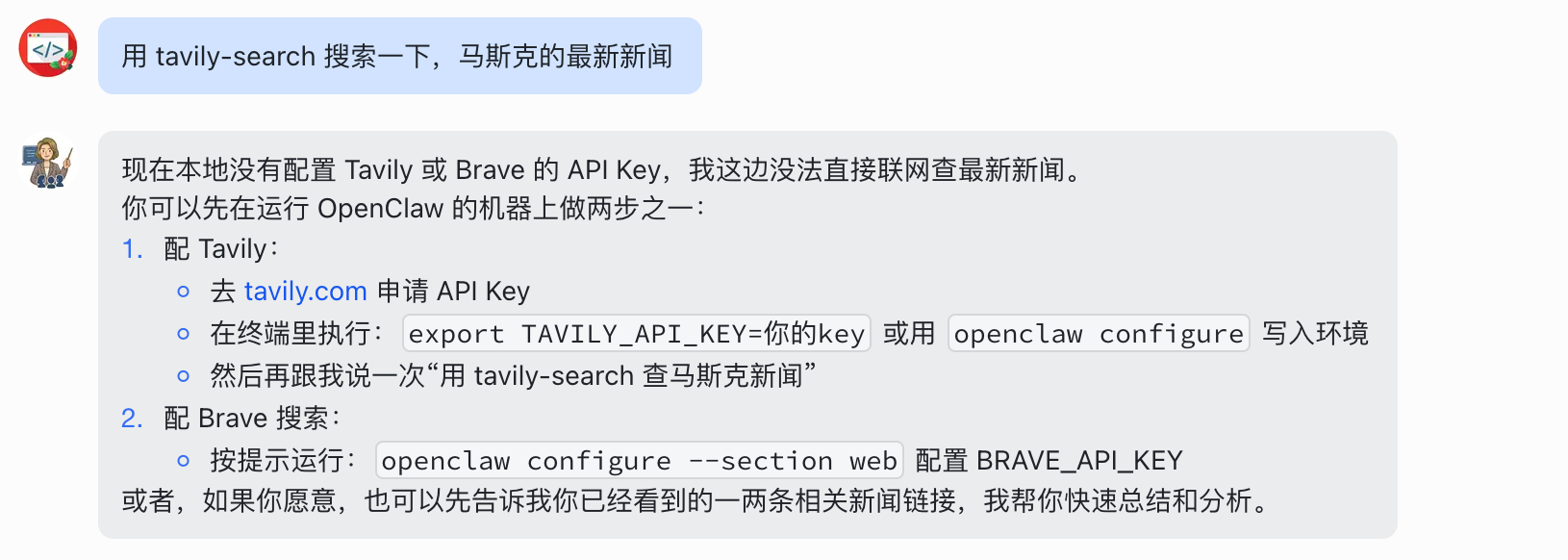
That's because it's an API service — you need to register for an API key first:
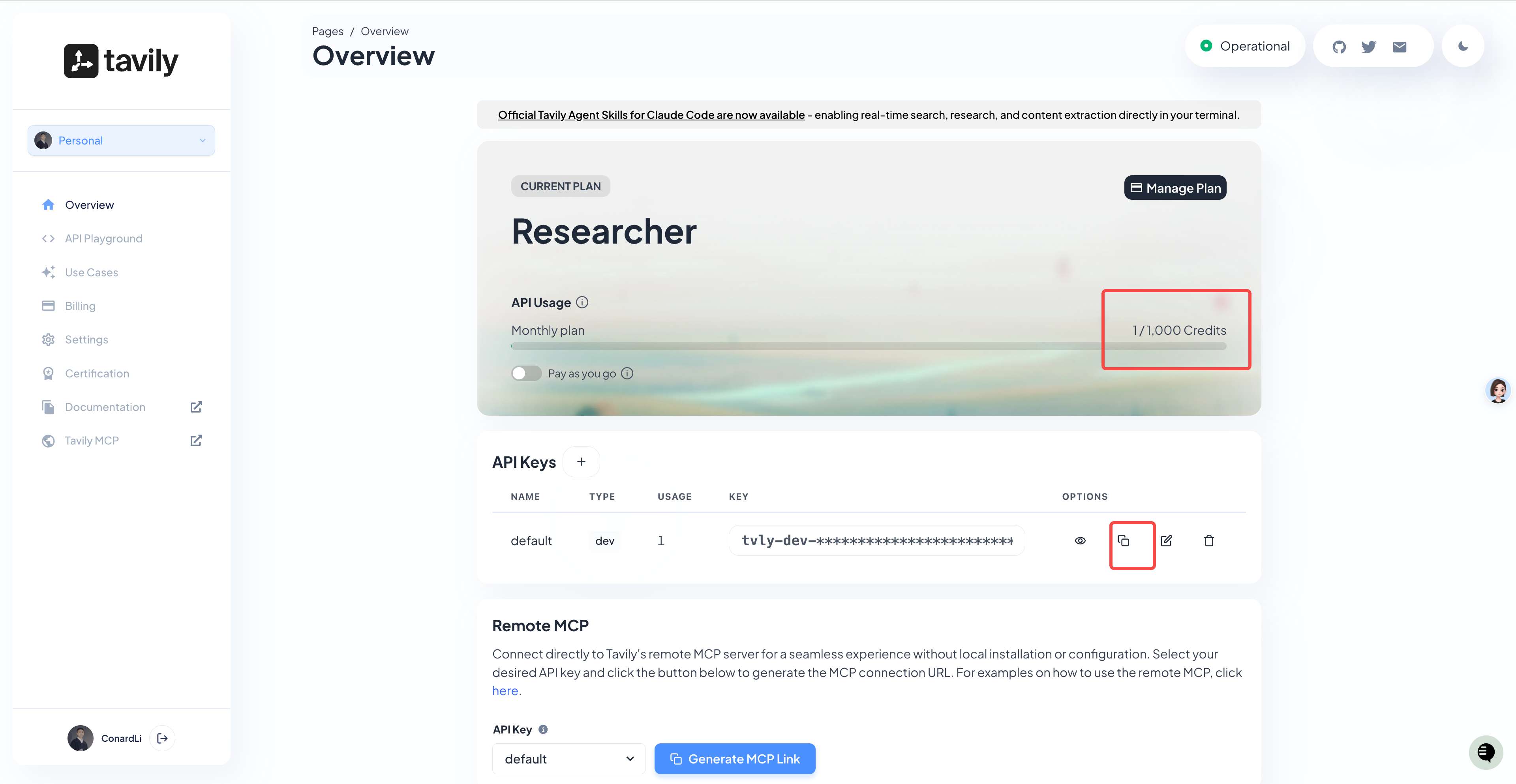
You can see Tavily gives you 1,000 free credits per month by default (one thousand searches), which is plenty for personal use.
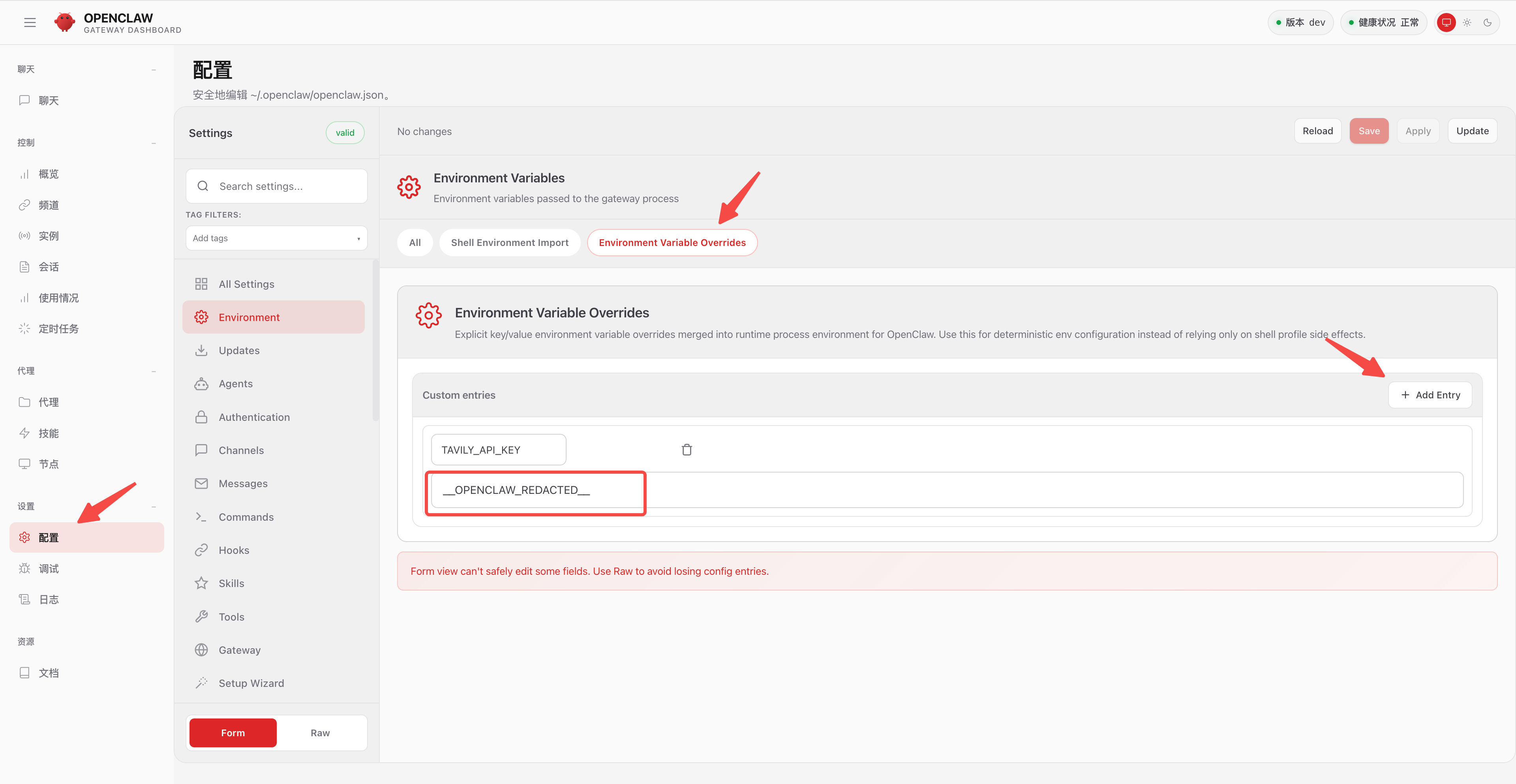
Then open OpenClaw's configuration panel, go to Environment, create a new environment variable (TAVILY_API_KEY), paste the key you just generated, and restart the service:
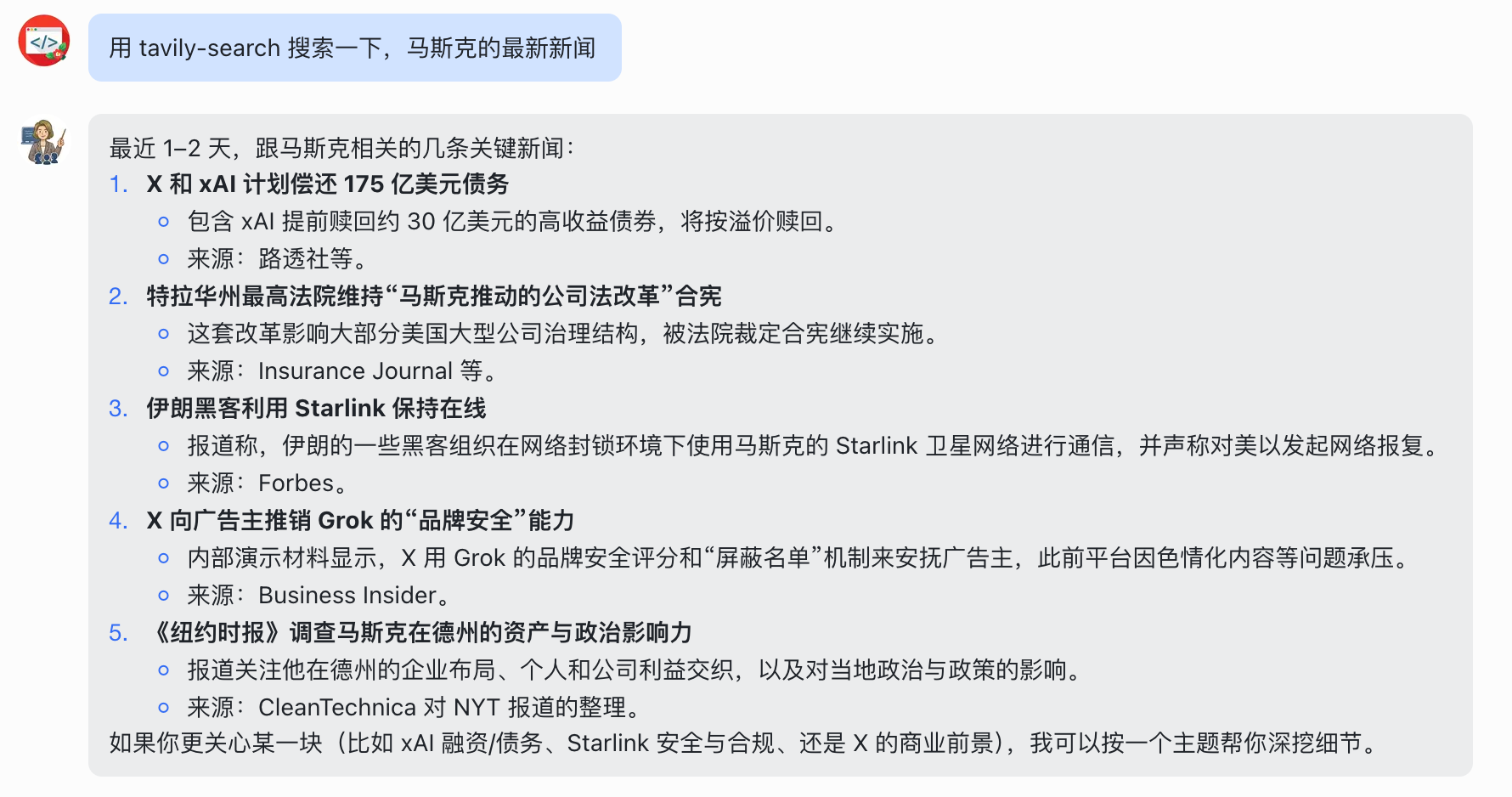
Now send another search command — this time it returns results:
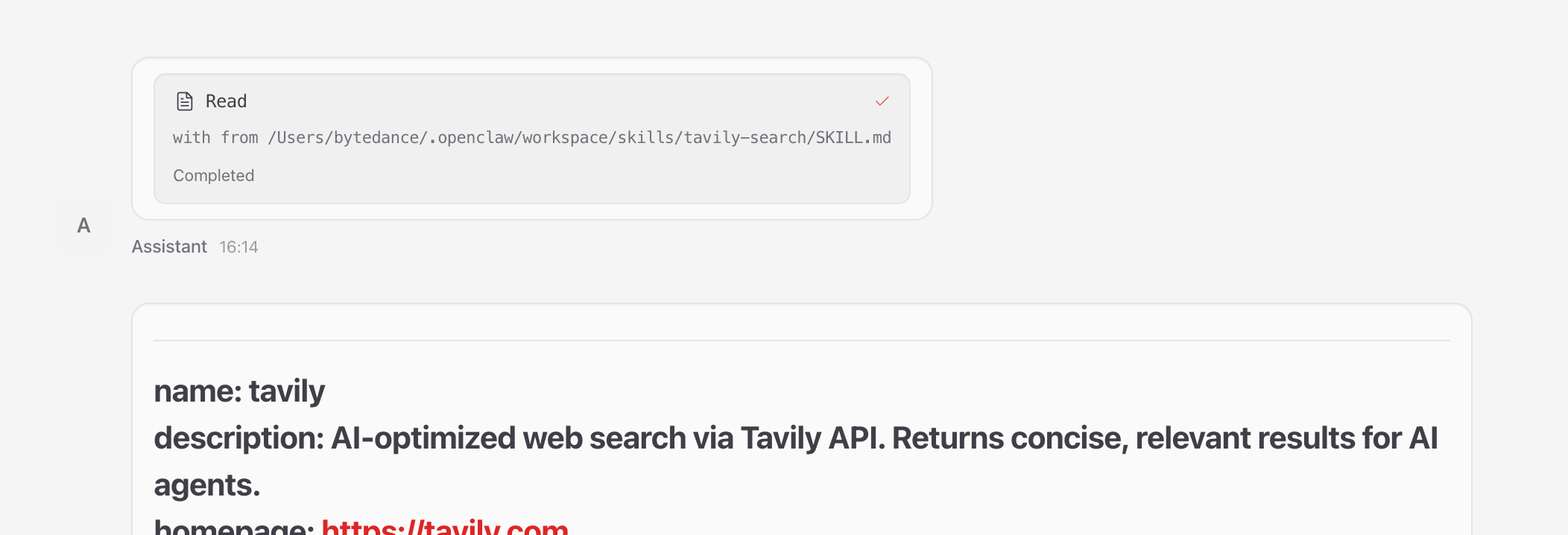
Back in OpenClaw's control panel, we can see that on receiving the command it first read the Skill's Skill.md:
Then it called the search script inside the Skill to get the results:
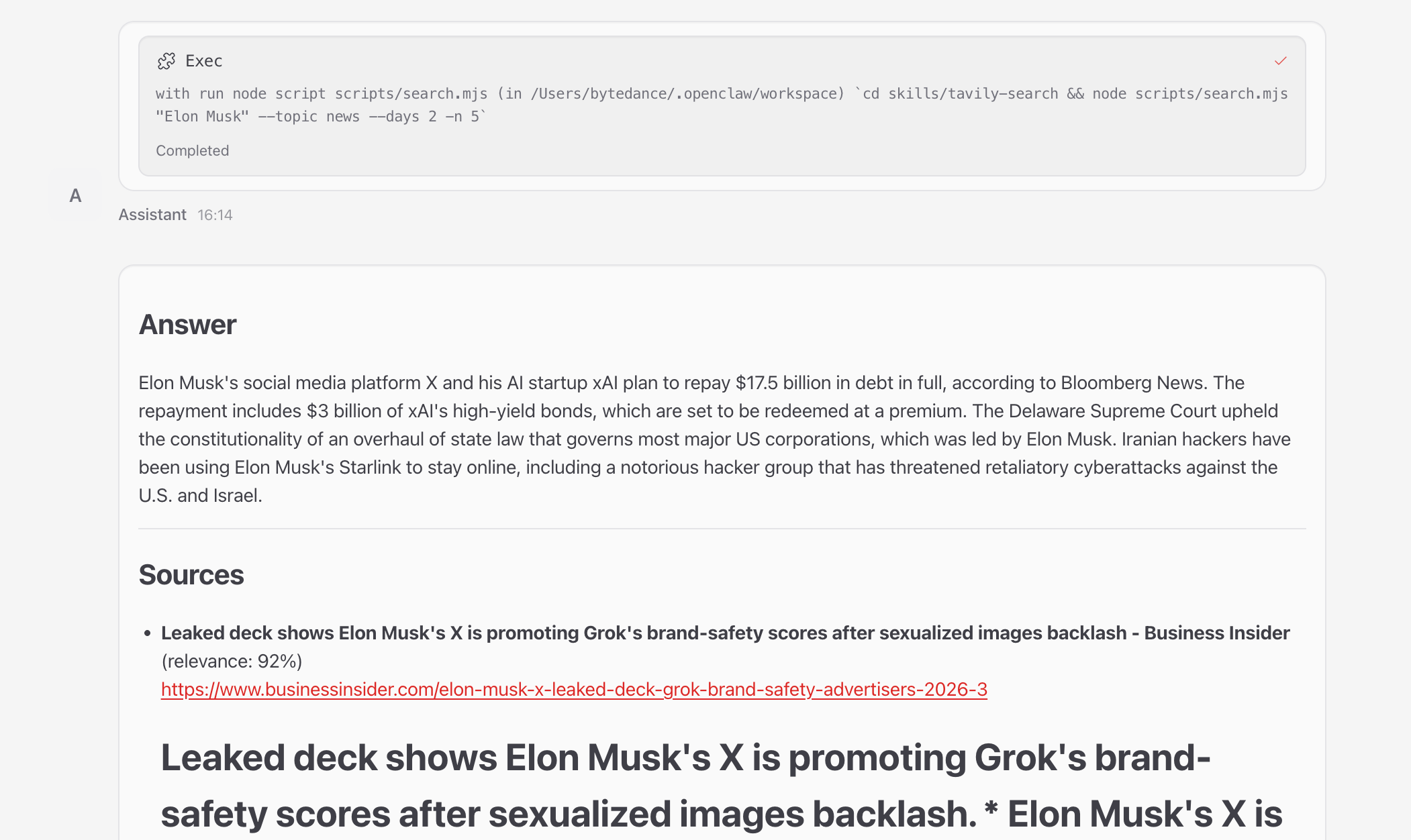
To make future use easier, let's tell it to remember to use tavily-search as its default search service from now on:

We don't recommend the Brave Search that ships with OpenClaw by default — Tavily produces better results.